Affiliate/Ads disclaimer: Some links on this blog are affiliate/ads links to support this project going on, meaning I may earn a commission at no extra cost to you.

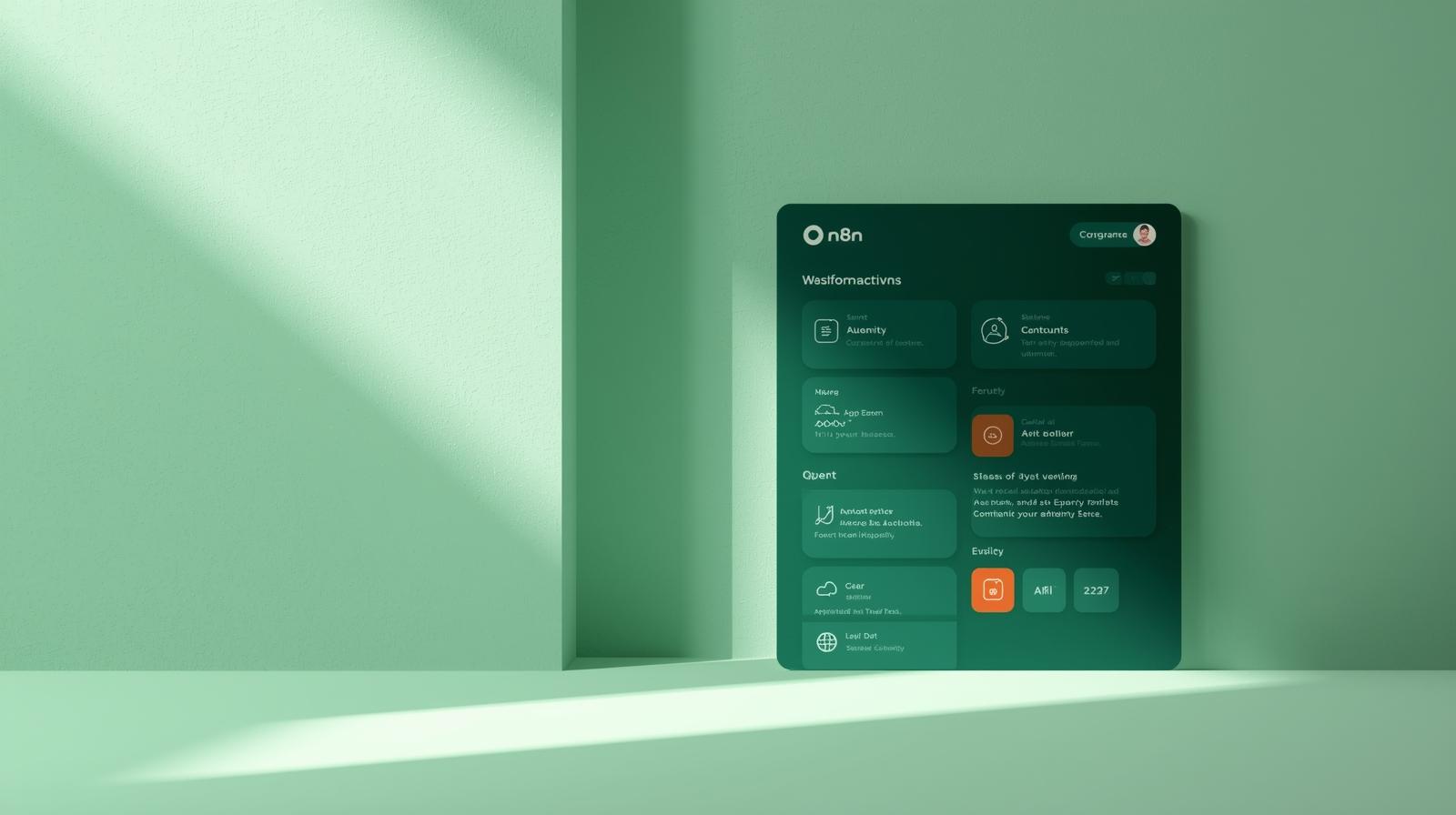
n8n UI/UX Deep Dive: How Thoughtful Design Streamlines Visual Automation

Introduction: Where Power Meets Approachability in Automation
In the rapidly evolving landscape of workflow automation tools, n8n has carved out a distinctive niche that resonates particularly with developers and technical teams. What sets n8n apart isn’t just its robust integration capabilities or open-source foundation—it’s the thoughtfully designed interface that makes complex automation accessible without sacrificing power. The n8n team has achieved something remarkable: a tool that balances visual simplicity with technical depth, enabling users to build sophisticated workflows through an intuitive node-based canvas rather than wrestling with lines of code.
The significance of n8n’s design approach becomes especially apparent when compared to alternatives like Zapier or Make. Where many platforms either oversimplify to the point of rigidity or present overwhelming technical complexity, n8n embraces a middle path—offering visual workflow building that makes sense to both beginners and experts.
As one developer noted after evaluating automation tools, “The diagram-like interface is not just pretty—it is functional. Complex flows with IF statements, switches, and loops are immediately understandable. You can see the entire workflow at a glance, making debugging and maintenance surprisingly straightforward.”
In this comprehensive breakdown, we’ll explore how n8n’s interface design transforms the potentially daunting task of workflow automation into a visual, intuitive experience. Whether you’re building simple task automations or enterprise-grade integration systems, understanding n8n’s UI/UX principles will help you work more efficiently, customize effectively, and unlock the full potential of visual automation.
n8n’s Visual Workflow Design: The Canvas of Automation
At the heart of n8n’s user experience lies its visual workflow editor—an interactive canvas where users construct automation sequences by connecting specialized nodes. This interface embodies the concept of visual programming, representing complex logical operations through intuitive graphical elements rather than abstract code. The design uses well-known ideas about how we understand visual information, helping users see the workflow structures quickly instead of having to read through written instructions.
- Node-Based Architecture: Each function in n8n—whether triggering an event, transforming data, or integrating with an external service—is encapsulated within a dedicated visual node. This modular approach breaks down complex automation into manageable, understandable units. The node system creates a natural progressive disclosure of complexity; beginners can use pre-configured nodes, while experts can dive into detailed settings or create custom JavaScript nodes when needed.
- Connection Clarity: The lines connecting nodes serve as visual representations of data flow, creating a logical pathway that’s easy to follow and debug. These connections aren’t merely decorative; they visually communicate the movement of information through the workflow, with some advanced users even leveraging them to trace data transformation across multiple processing steps. The interface provides clear visual feedback during connection, ensuring users always understand which nodes are linked and how data flows between them.
This visual approach particularly shines when dealing with conditional logic and complex data operations. As one developer noted, “Complex flows with IF statements, switches, and loops are immediately understandable” in n8n’s visual interface. Rather than keeping mental track of nested conditional statements in code, users can see the entire logical structure laid out before them, with visual branching paths that make alternative execution routes intuitively obvious.
User-Centric Layout & Navigation: Finding Your Way
n8n’s interface employs a carefully considered layout that balances the maximization of workspace with the need for accessible tools and controls. The design follows the classic three-panel layout pattern used in many professional development tools, but with thoughtful adaptations specific to workflow automation. On the left, users typically find the node palette—a categorized repository of available automation components. The central canvas serves as the primary workspace, while contextual properties panels appear when needed for node configuration.
The navigation design incorporates progressive disclosure principles—showing users only the tools and options immediately relevant to their current task, while keeping additional functionality accessible but not distracting. This approach minimizes cognitive load while maintaining powerful capabilities. As observed in effective UI design principles, “Any extraneous information is a distraction and a slowdown”—a philosophy n8n appears to have embraced in its clean, focused interface.
Table: n8n Layout Components and Their Functions
| Interface Component | Primary Function | UX Benefit |
|---|---|---|
| Node Palette | Repository of available nodes | Categorized organization speeds node discovery |
| Central Canvas | The primary workflow construction area | Uncluttered space for visual programming |
| Properties Panel | Contextual configuration interface | Focused settings relevant to the current selection. |
| Execution Panel | Workflow testing and monitoring | Immediate feedback without context switching |
The application’s toolbars demonstrate particular thoughtful design—they “launch anchored to the left and right side of the canvas window but can be moved independently.” This customizable workspace approach acknowledges that different users have different preferences and working styles, allowing each person to arrange their interface for maximum productivity. The movable toolbars reflect an understanding that workflow construction is a creative process that benefits from flexible workspace organization.
n8n’s designers have also carefully considered the zoom controls’ placement, positioning them “to the center below the canvas” for consistent accessibility regardless of workflow size. This seemingly minor design decision actually has a significant impact on usability—always-available zoom controls ensure users can navigate both expansive overviews and detailed node inspections without unnecessary panning or searching for interface elements.
Interaction Design: Making Automation Intuitive
n8n excels in providing immediate visual feedback that keeps users informed about system state—a crucial aspect of effective interaction design. When users manipulate nodes or connections, the interface provides clear, instantaneous responses that confirm actions have been registered. This aligns with established usability heuristics that state, “Users should be informed about what is going on with the system through appropriate feedback and display of information.” During workflow execution, n8n enhances this feedback further with visual indicators that show data moving through nodes and real-time execution status.
The platform incorporates thoughtful default behaviors that streamline common operations while still offering full customization when needed. For instance, the default “run once per item” behavior for most nodes aligns with the most common use case for data processing while still allowing experts to modify this behavior when appropriate.
As one developer noted, this sensible default “makes workflows self-documenting,” though they also cautioned about occasionally checking data flow settings to ensure they match expectations.
- Error Prevention & Recovery: n8n’s interface incorporates multiple patterns to prevent user errors before they happen. The visual connection system prevents invalid linkages between nodes, while the contextual property validation helps catch configuration errors early. When issues do occur, n8n provides detailed error messages with specific information about what went wrong and often suggestions for resolution. This aligns with usability principles that emphasize both “prevent errors” and provide “good error messages” that help “users understand the nature of errors, learn from errors, and recover from errors.”
- Keyboard Shortcuts & Efficiency: For power users, n8n offers comprehensive keyboard accessibility, including a “keyboard shortcuts legend accessible via the question mark icon.” These shortcuts provide accelerated pathways for common actions, acknowledging that experienced users often prefer keyboard navigation for speedier workflow construction. The availability of these shortcuts demonstrates n8n’s commitment to what usability experts call “flexibility and efficiency”—giving “users the flexibility of creating customization and shortcuts to accelerate their performance.”
Accessibility & Inclusivity: Automation for Everyone
n8n’s design incorporates principles of inclusive design that make advanced automation accessible to users with varying levels of technical expertise. The platform successfully bridges the gap between coding-intensive automation approaches and oversimplified no-code tools that limit advanced functionality. This balanced approach embodies what interface experts describe as providing “the same means for all users: identical whenever possible; equivalent when not.” The same core interface serves both beginners and experts, with progressive complexity that allows each user to engage at their appropriate level.
The platform’s consistent interaction patterns across different node types reduce the learning curve and create a cohesive experience. Once users understand how to configure one node, they can apply that same knowledge to other nodes, creating what interface guidelines describe as “consistency and standards,” where “users should not have to wonder whether different words, situations, or actions mean the same thing.” This consistency is particularly valuable in a platform with hundreds of potential node integrations, as it prevents users from having to learn entirely new interaction models for different services.
n8n’s comprehensive documentation and in-context help features ensure users always have access to guidance when needed. The platform follows the established usability principle to “always provide help when needed,” offering context-sensitive information that assists users without pulling them completely out of their workflow. This approach respects what user experience professionals call “minimizing memory load”—ensuring “users should not be required to memorize a lot of information to carry out tasks” by making necessary information readily available within the interface.
Customization & Efficiency Features: Adapting to Your Workflow
n8n provides multiple customization options that allow users to adapt the interface to their specific working styles and requirements. The platform’s Projects feature enables logical grouping of related workflows, creating organized environments that mirror users’ mental models of their automation projects. While this feature is primarily available on paid plans, it represents n8n’s commitment to providing organizational structures that scale from individual use to team collaboration .
The interface includes numerous efficiency optimizations that accelerate common tasks and reduce repetitive actions. For example, the platform’s expression system enables powerful data manipulation through a structured interface that requires minimal code writing.
As one developer noted, “The expression system lets you manipulate data on-the-fly. Need to uppercase a name or map an array? You can do it inline by writing very little code” . This approach balances flexibility with accessibility, allowing users to perform complex data transformations without switching contexts to a full code editor.
Table: n8n Efficiency Features for Different User Types
| User Type | Efficiency Features | Customization Options |
|---|---|---|
| Beginner | Drag-and-drop node placement, Template libraries, Guided configuration wizards | Workspace arrangement, Node palette organization |
| Intermediate | Expression builder, Keyboard shortcuts, Workflow duplication | Custom node configurations, Sub-workflow creation |
| Expert | JavaScript code node, CLI integration, API endpoints | Custom nodes development, Environment variables |
For development teams, n8n offers credential management that “securely stores credentials (encrypted at rest)” and allows sharing of “credentials between team members on collaborative plans without exposing sensitive data.” This security-focused customization enables teamwork without compromising sensitive information, striking a careful balance between accessibility and protection. The system supports various authentication methods, including “OAuth flows, API keys, and access controls” that “work seamlessly across workflows.”
The Future of n8n’s UI/UX: Emerging Trends & Possibilities
The interface design of n8n continues to evolve, with recent updates introducing a “modernized look and feel” that provides “additional canvas area” and improves “usability on smaller screens” . These visual refinements represent n8n’s ongoing commitment to interface improvement, ensuring the platform remains both functionally powerful and visually contemporary. The continuous refinement of the user experience suggests that n8n’s designers understand the importance of keeping the interface aligned with evolving user expectations and design standards.
Looking forward, n8n shows potential for embracing emerging interface paradigms such as natural user interfaces (NUI) that might incorporate more gesture-based controls or voice commands for workflow management. As interface technology evolves, principles such as “device-task compatibility”—ensuring “the system has to offer kinds of interactions that are compatible with the task”—will become increasingly important. n8n’s modular architecture positions it well to incorporate these emerging interaction models as they mature.
The growing integration of AI assistance represents another exciting frontier for n8n’s interface. We’re already seeing early examples of AI-powered workflow suggestions and intelligent node configuration in automation platforms. As one developer noted about their n8n experience, it “uses AI to perform initial code reviews of GitHub repositories” and “formats results into structured Slack messages for human reviewers.” This trend toward intelligent assistance will likely continue, with AI potentially helping to suggest optimal workflow structures, identify inefficiencies, or even auto-generate portions of complex automations based on natural language descriptions.
Conclusion: Empowering Users Through Thoughtful Design
n8n’s interface succeeds because it transforms the abstract complexity of workflow automation into a concrete, visual, and manageable process. The platform’s node-based architecture provides a logical structure for building automations, while its clean workspace design keeps focus on the task at hand. The consistent interaction patterns reduce cognitive load and accelerate learning, allowing users to progress from simple to complex automations without encountering dramatic shifts in interface paradigm.
What makes n8n particularly compelling from a UI/UX perspective is its recognition that different users have different needs and skill levels—and its success in serving them all through the same core interface. Beginners benefit from the visual clarity and guided processes, while experts appreciate the custom JavaScript nodes, expression builders, and keyboard shortcuts that enable advanced functionality. This multi-layered approach to complexity makes n8n a tool that grows with its users, rather than one that must be abandoned as needs become more sophisticated.
Perhaps most importantly, n8n demonstrates that powerful functionality need not come at the expense of usability. By embracing user-centered design principles and maintaining focus on the complete automation journey—from initial setup to ongoing maintenance and debugging—n8n has created an interface that makes sophisticated automation accessible to a broad range of users.
The platform stands as a compelling example of how thoughtful design can democratize advanced technical capabilities, empowering users to create custom solutions that would otherwise require dedicated development resources.
As you continue your n8n journey, pay attention not just to what the platform can do, but to how it enables you to do it. The carefully considered UI/UX elements we’ve explored aren’t merely decorative—they’re foundational to n8n’s value proposition and key to unlocking your efficiency in workflow automation.